Search for npm Packages
11 min read·Jan 1, 2026
When using npm, there are essentially two ways to search for packages:
- The website
- The npm CLI
Search for a package on the npm website
To search for a package on the npm website, you can:
-
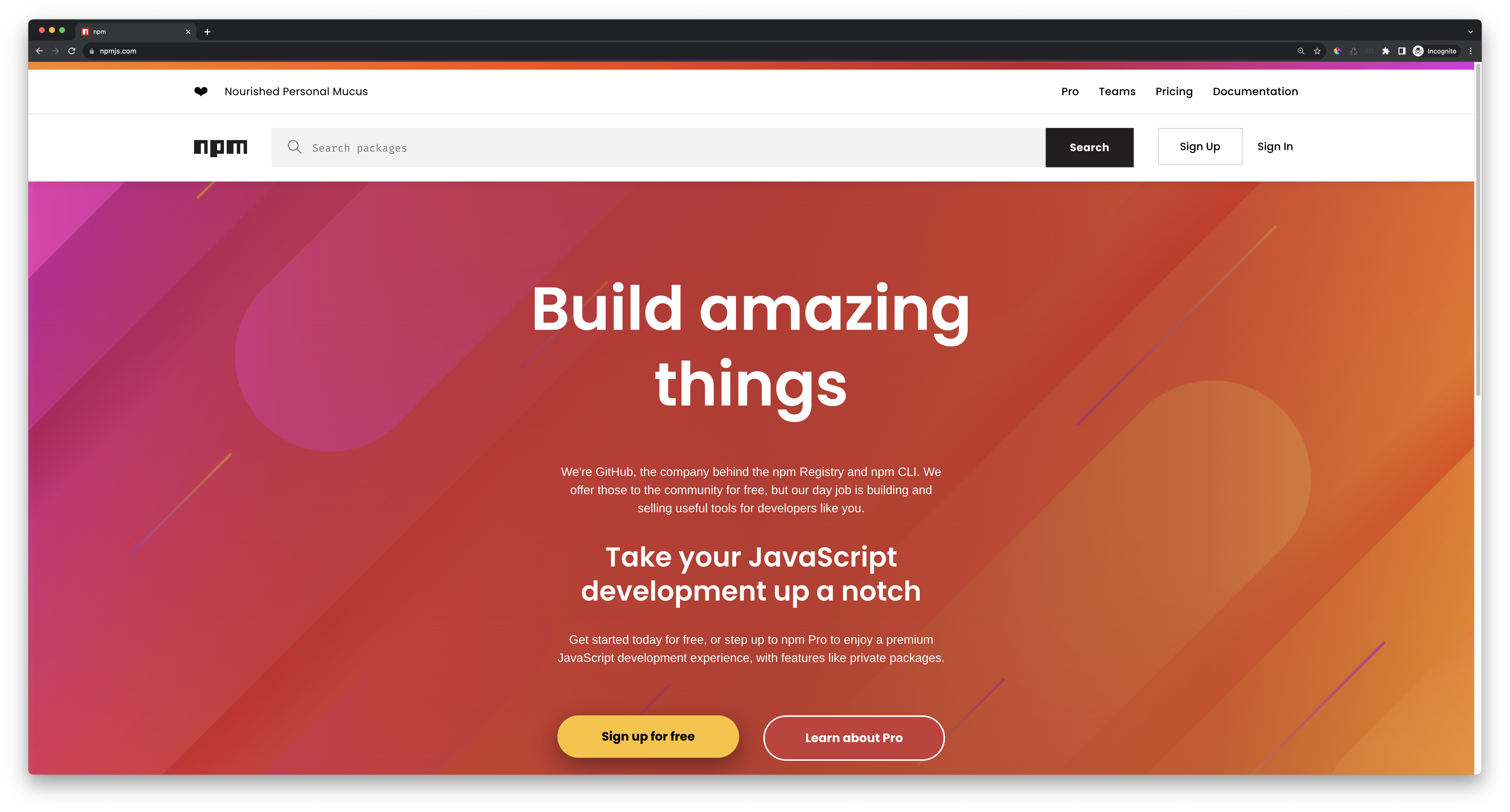
Navigate to the official npm website at www.npmjs.com:
-
Type generic keywords in the search bar, such as
arrayorstring, or exact package names, such asexpressoraxios: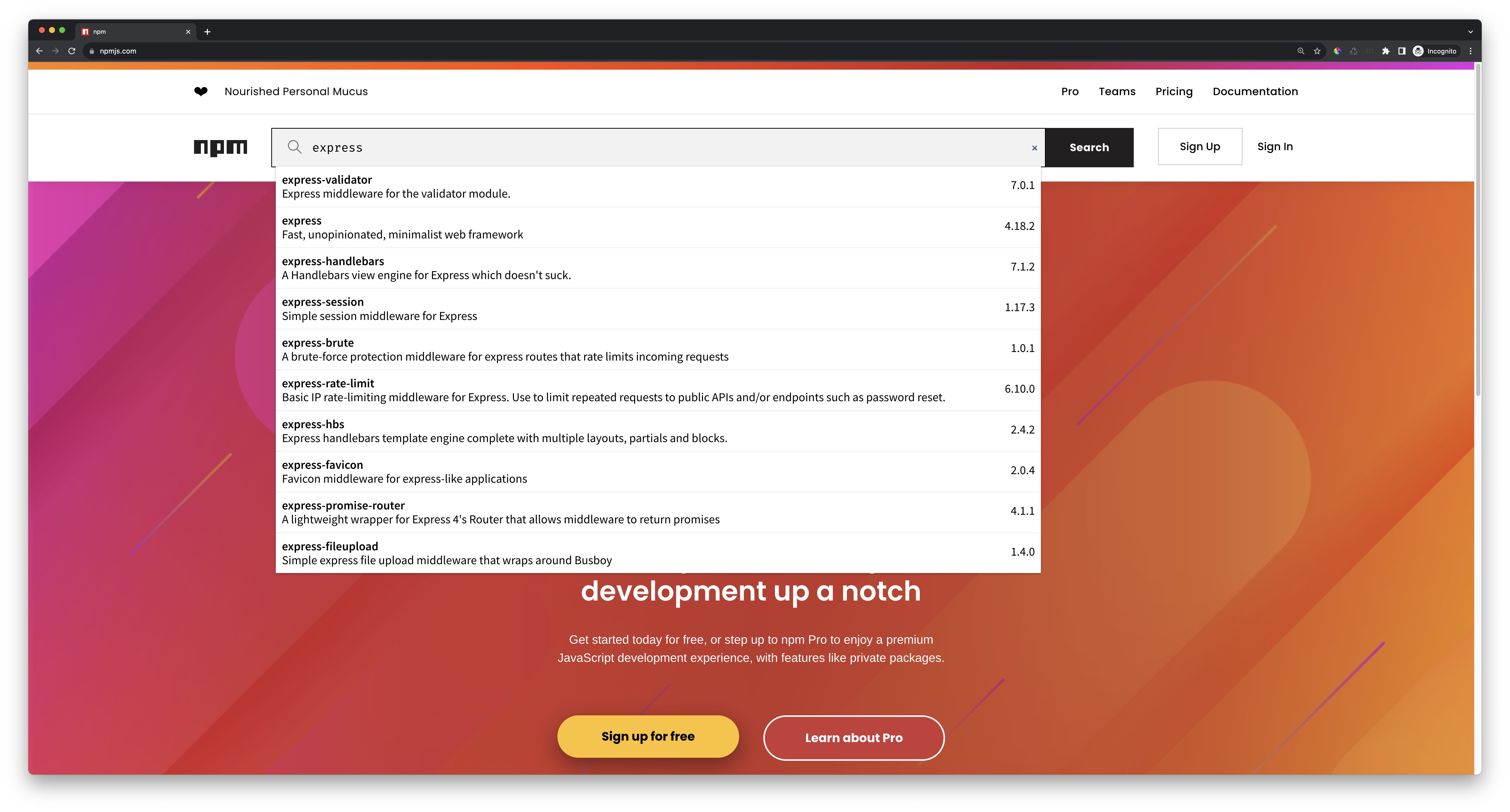
-
Click on the
Searchbutton to explore the available matching packages.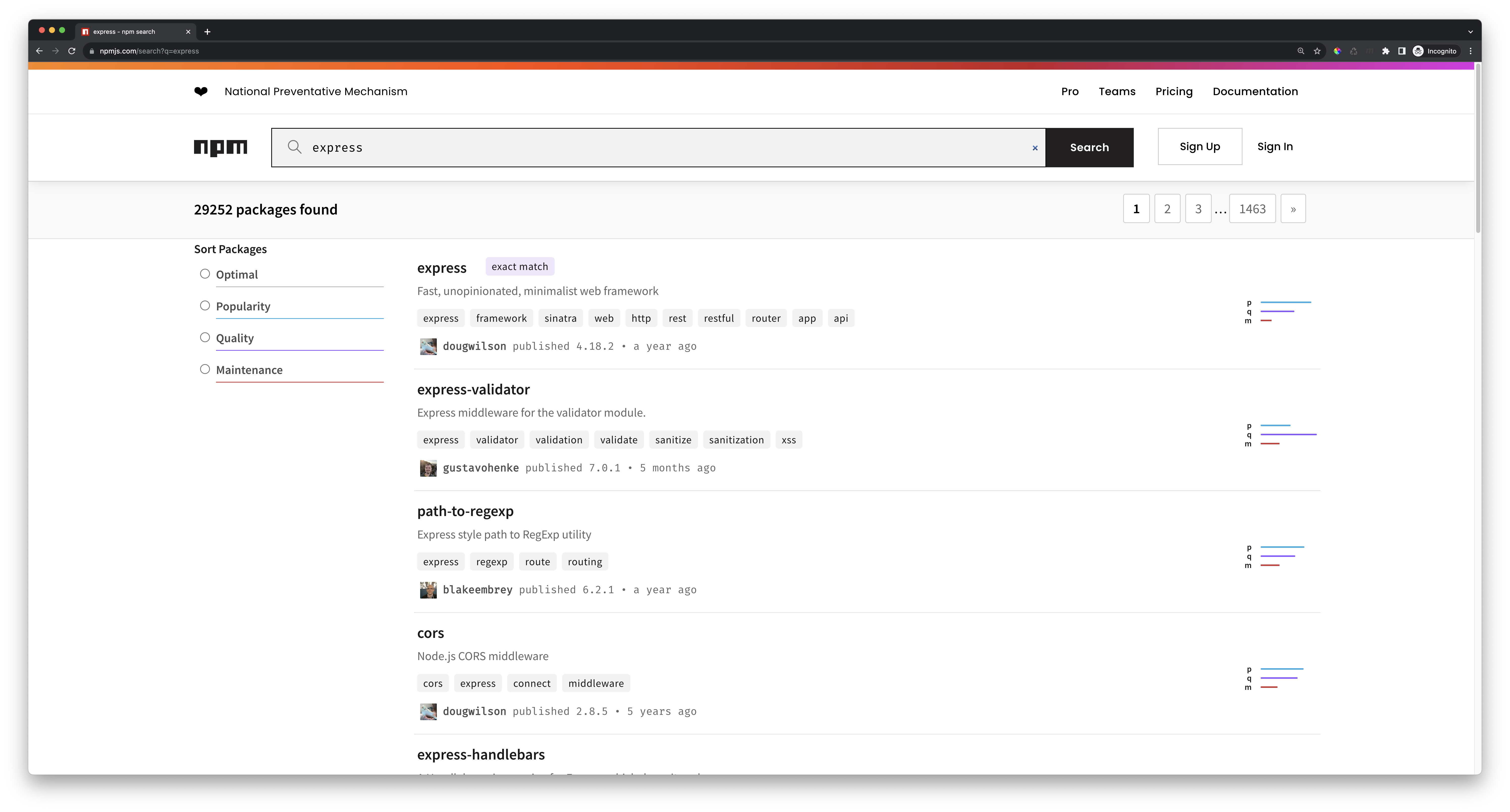
-
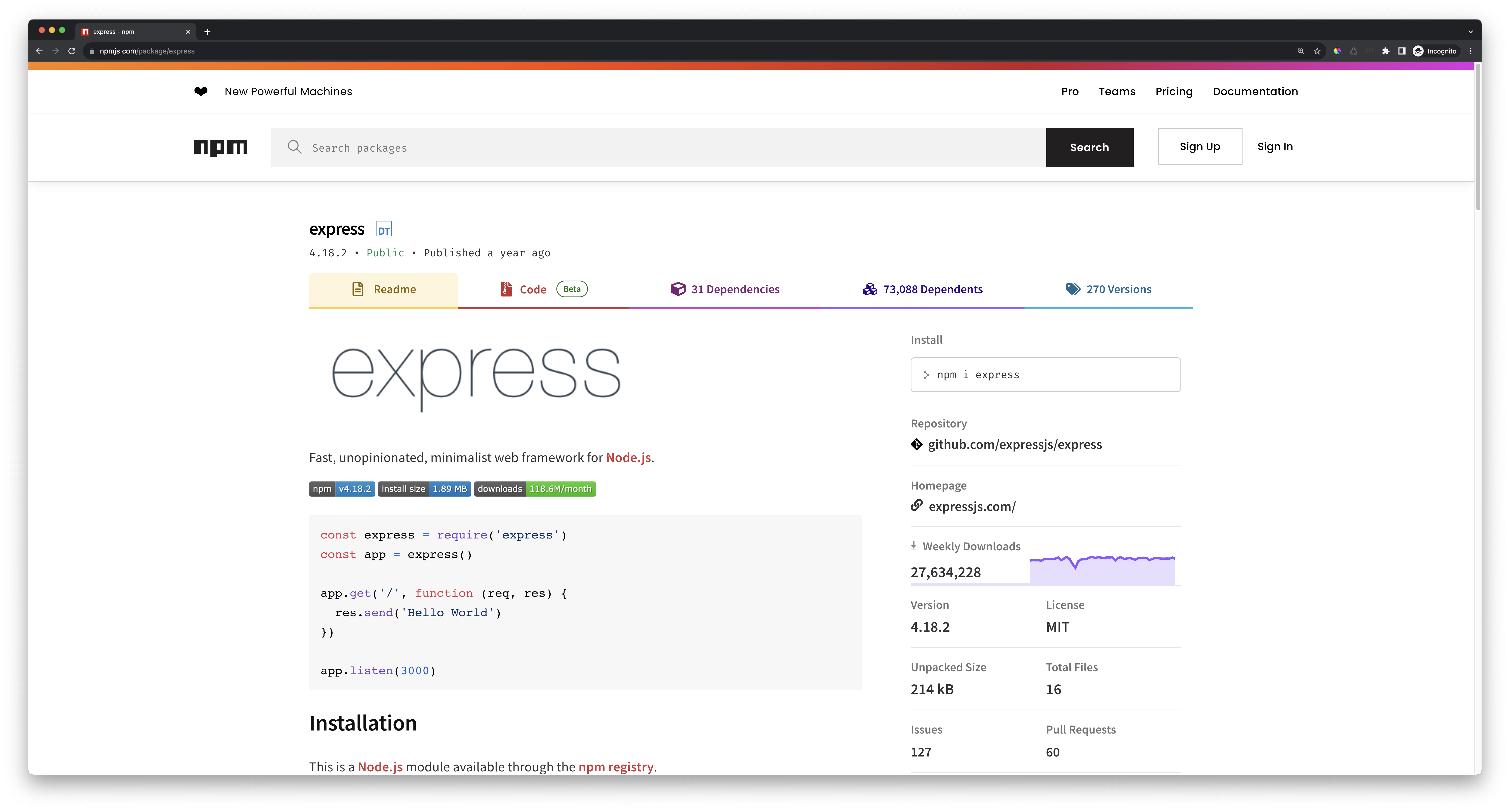
Click on any of the package names to find the detailed information, such as its install command, latest version, number of opened issues and pull requests, the links to the Git repository and homepage, and so on.
Search for a package using the npm CLI
To search for a package on the npm registry through the command-line interface, you can use the npm search command:
$ npm search term ...
Where:
term ...is a list of generic keywords, such asarrayorstring, or exact package names, such asexpressoraxios.
When running this command, npm will perform a linear, incremental, lexically-ordered search through package metadata for all the files in the registry and output the name, description, author, last updated date, latest version number, and matching keywords for each package found.
Example
For example, the following command will output the list of matches when searching for the express term:
$ npm search express
NAME                      | DESCRIPTION          | AUTHOR          | DATE       | VERSION  | KEYWORDS
express                   | Fast,…               | =mikeal…        | 2022-10-08 | 4.18.2   | express framework sinatra web http rest restful
express-validator         | Express middleware…  | =ctavan…        | 2023-04-16 | 7.0.1    | express validator validation validate sanitize s
path-to-regexp            | Express style path…  | =blakeembrey…   | 2022-05-06 | 6.2.1    | express regexp route routing
cors                      | Node.js CORS…        | =dougwilson…    | 2018-11-04 | 2.8.5    | cors express connect middleware
express-handlebars        | A Handlebars view…   | =ericf =sahat…  | 2023-08-08 | 7.1.2    | express express3 handlebars view layout partials
connect-redis             | Redis session store… | =tjholowaychuk… | 2023-05-11 | 7.1.0    | connect redis session express
is-regex                  | Is this value a JS…  | =ljharb         | 2021-08-06 | 1.1.4    | regex regexp is regular expression regular expre
helmet                    | help secure…         | =adam_baldwin…  | 2023-05-06 | 7.0.0    | express security headers backend
express-session           | Simple session…      | =dougwilson     | 2022-05-11 | 1.17.3   |
express-rate-limit        | Basic IP…            | =nfriedly…      | 2023-08-30 | 6.10.0   | express-rate-limit express rate limit ratelimit
regexp.prototype.flags    | ES6 spec-compliant…  | =ljharb         | 2023-04-19 | 1.5.0    | RegExp.prototype.flags regex regular expression
escape-string-regexp      | Escape RegExp…       | =sindresorhus   | 2021-04-17 | 5.0.0    | escape regex regexp regular expression string sp
multer                    | Middleware for…      | =hacksparrow…   | 2022-05-30 | 1.4.5-l… | form post multipart form-data formdata express m
express-fileupload        | Simple express file… | =richardgirges… | 2022-05-24 | 1.4.0    | express file-upload upload forms multipart files
morgan                    | HTTP request logger… | =dougwilson     | 2020-03-20 | 1.10.0   | express http logger middleware
ignore                    | Ignore is a manager… | =kael           | 2022-12-19 | 5.2.4    | ignore .gitignore gitignore npmignore rules mana
anymatch                  | Matches strings…     | =es128 =phated… | 2022-11-21 | 3.1.3    | match any string file fs list glob regex regexp
express-brute             | A brute-force…       | =adampflug      | 2016-10-11 | 1.0.1    | brute force bruteforce attack fibonacci rate lim
passport                  | Simple, unobtrusive… | =jaredhanson    | 2022-05-20 | 0.6.0    | express connect auth authn authentication
express-promise-router    | A lightweight…       | =alex-whitney…  | 2021-11-30 | 4.1.1    | express promise router
Show a package information
To get additional information about a package, you can use the npm view command:
$ npm view package[@version]
Where:
packageis the name of the package you want to learn more about.versionis an optional version number in the semver format.
When running this command, npm will fetch the information of the latest (or specified) available version of that package, which includes its complete description, size, version number, dependency list, and maintainer list.
Example
For example, the following command will output the information about the latest version of the express package available on the npm registry:
$ npm view express

express@4.18.2 | MIT | deps: 31 | versions: 270
Fast, unopinionated, minimalist web framework
http://expressjs.com/

keywords: express, framework, sinatra, web, http, rest, restful, router, app, api

dist
.tarball: https://registry.npmjs.org/express/-/express-4.18.2.tgz
.shasum: 3fabe08296e930c796c19e3c516979386ba9fd59
.integrity: sha512-5/PsL6iGPdfQ/lKM1UuielYgv3BUoJfz1aUwU9vHZ+J7gyvwdQXFEBIEIaxeGf0GIcreATNyBExtalisDbuMqQ==
.unpackedSize: 213.9 kB

dependencies:
accepts: ~1.3.8            content-disposition: 0.5.4 cookie: 0.5.0              encodeurl: ~1.0.2          finalhandler: 1.2.0        merge-descriptors: 1.0.1   parseurl: ~1.3.3           qs: 6.11.0
array-flatten: 1.1.1       content-type: ~1.0.4       debug: 2.6.9               escape-html: ~1.0.3        fresh: 0.5.2               methods: ~1.1.2            path-to-regexp: 0.1.7      range-parser: ~1.2.1
body-parser: 1.20.1        cookie-signature: 1.0.6    depd: 2.0.0                etag: ~1.8.1               http-errors: 2.0.0         on-finished: 2.4.1         proxy-addr: ~2.0.7         safe-buffer: 5.2.1
(...and 7 more.)

maintainers:
- mikeal <mikeal.rogers@gmail.com>
- dougwilson <doug@somethingdoug.com>

dist-tags:
latest: 4.18.2      next: 5.0.0-beta.1

published 10 months ago by dougwilson <doug@somethingdoug.com>
Filter a package information
To filter a package's information, you can use the following syntax:
$ npm view package[@version] field
Where:
fieldis the name of a field present in the package description, such asdependenciesordist-tags.
Example
For example, the following command will output the list of available versions of the express package:
$ npm view express versions
[
  '0.14.0',        '0.14.1',        '1.0.0-beta',    '1.0.0-beta2',
  '1.0.0-rc',      '1.0.0-rc2',     '1.0.0-rc3',     '1.0.0-rc4',
  '1.0.0',         '1.0.1',         '1.0.2',         '1.0.3',
	...
]
Open the documentation page of a package
To open the official documentation page of a package in a new browser tab from the command-line, you can use the npm docs command:
$ npm docs package
Where:
packageis the exact name of the page.
Summary
Here's a summary of what you've learned in this lesson:
- To search for a package on the npm website, you can visit www.npmjs.com.
- The
npm searchcommand is used to search for packages on the npm registry. - The
npm viewcommand is used to get information about a package. - The
npm docscommand is used to open the package documentation page in a new browser tab.
Enjoying the courses?
I've made these courses completely free so anyone can learn from them. If they've helped you and you'd like to actively support the work behind BackendBrewery, you can leave a tip:
Support BackendBrewery