Serve Static Files in Express
12 min read·Jan 1, 2025
Although the primary objective of an API is to deliver dynamic data to clients, serving static assets like HTML files, PDFs, images, and more can help enhance its overall capabilities, usability, and integration.
For example, your API could serve documentation pages in the HTML format to allow the developers integrating with it to easily understand its endpoints, or it could serve digital products, like e-books.
Serve static files
To serve static files in Express, you can mount the built-in express.static() middleware to the server instance through its use() method:
server.use(express.static(rootPath));
Where:
serveris an Express instance created using the top-level function exported by theexpressmodule.rootPathis a string representing the relative or absolute path to the directory containing the static assets, also called the root directory in this context.
These files will then be available on the root path of the server:
http://server_address[:server_port]/file_path
Notes:
In its relative form, the path to the root directory is relative to the location where the Node process is launched from and not the server file.
You can serve static files from multiple directories by declaring the
express.static()middleware multiple times, for example:server.use(express.static(rootPathA)); server.use(express.static(rootPathB)); // ...
Example
Let's consider this project's directory structure:
server/
├── app.js
└── public/
  └── index.html
Where the app.js file contains an Express server that serves static files from the public directory on its root path:
const path = require('path');
const express = require('express');

const app = express();

app.use(express.static(path.join(__dirname, 'public')));

app.listen(3000);
Where the index.html file contains the HTML code of a web page:
<html>
  <head>
    <title>Hello, World!</title>
  </head>
  <body>
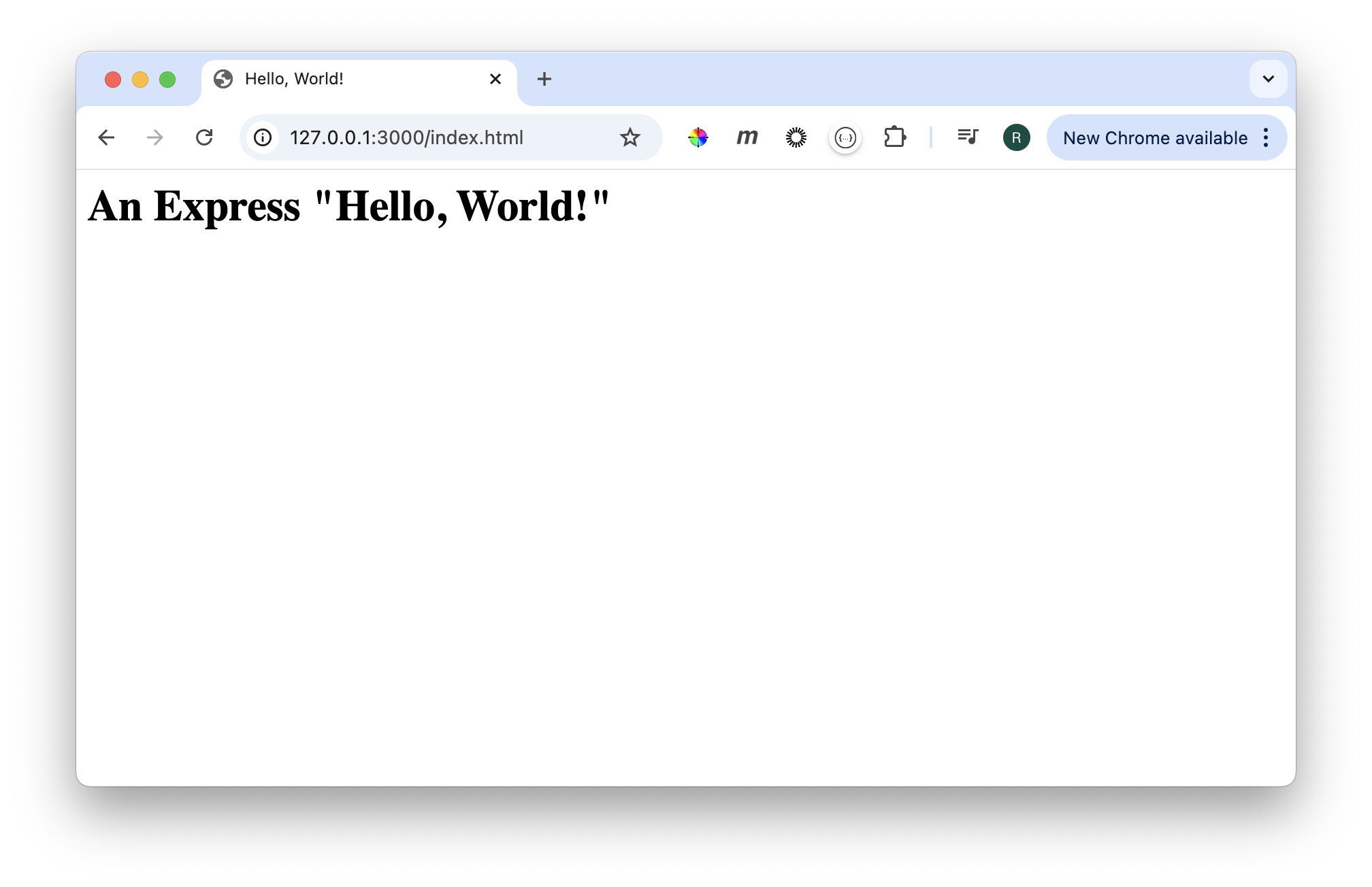
    <h1>An Express "Hello, World!"</h1>
  </body>
</html>
To visualize this web page, you can start the server:
$ node app.js
And open the URL http://127.0.0.1:3000/index.html in a new browser tab:
Use a virtual path prefix
A virtual path prefix is a mount path from which static files can be served instead of the default root path:
server.use(prefix, express.static(root));
Path prefixes allow to define different prefixes for different types of static content, prevent conflicts between static file paths and route paths, and ultimately improve the readability of the server's URLs.
Example
Let's consider this project's directory structure:
server/
├── app.js
└── public/
  └── assets/
     └── pdfs/
        └── ...
Where the app.js file contains an Express server that serves static files from the public/assets/pdfs directory through the /ebooks path:
const path = require('node:path');
const express = require('express');

const server = express();

server.use(
  '/ebooks',
  express.static(path.join(__dirname, 'public/assets/pdfs'))
);

server.listen(3000);
Which allows to shorten the URL from http://127.0.0.1:3000/public/assets/pdfs to http://127.0.0.1:3000/ebooks, and hide the underlying directory structure of the application.
Serve dotfiles
On Unix-like operating systems, hidden files, also called dotfiles, are commonly used to store configuration or sensitive information.
As exposing them publicly could pose security risks, they are by default ignored by Express when serving files using the express.static() middleware.
When requesting a dotfile, the middleware will automatically respond with an HTTP 404 Not Found and call the next(err) handler.
Although not recommended, you can change this behaviour by passing an optional object to the middleware function containing the dotfiles property:
express.static(rootPath, { dotfiles: 'allow|deny|ignore' })
Where:
allow: Treats dotfiles like any other file.deny: Responds with an HTTP403 Unauthorizedand calls thenext()handler.ignore: Responds with an HTTP404 Not Foundand calls thenext()handler. This is the default behavior.
Note: The files contained in a directory starting with a dot will not be ignored.
Example
In this example, the server allows the dotfiles contained in the public directory to be served upon client request:
const path = require('node:path');
const express = require('express');

const server = express();

server.use(
  '/public',
  express.static(path.join(__dirname, 'public'), { dotfiles: 'allow' })
);

server.listen(3000);
Catch and let errors fall through
By default, requests to non-existent files will cause the express.static() middleware to call the next() handler to let the request go through the next middleware or route in the call stack.
If no middleware or route is matched, the server will then respond with an HTTP 404 Not Found.
To force the express.static() middleware to call the next() handler with an error, you can set the fallthrough property to false:
express.static(rootPath, { fallthrough: false })
Example
In this example, the server will automatically forward the error to the error-handling middleware if the requested file doesn't exist:
const path = require('node:path');
const express = require('express');

const server = express();

server.use(
  '/public',
  express.static(
    path.join(__dirname, 'public'),
    { fallthrough: false }
  )
);

server.use((err, req, res, next) => {
  console.error(err.message);
  res.sendStatus(err.statusCode);
});

server.listen(3000);
Summary
Here's a summary of what you've learned in this lesson:
- The
express.static()middleware is used to serve static files. - The
__dirnamevariable contains the absolute path to the current directory. - The
path.join()method is used to convert multiple arguments into a filepath. - The
dotfilesproperty is used to specify how the server should serve or deny dotfiles. - The
fallthroughproperty is used to specify how the server should behave when a requested file doesn't exist on the server.
Enjoying the courses?
I've made these courses completely free so anyone can learn from them. If they've helped you and you'd like to actively support the work behind BackendBrewery, you can leave a tip:
Support BackendBrewery